 QWQLwToo
131 lines
5.7 KiB
Markdown
131 lines
5.7 KiB
Markdown
<div class="spaced-page">
|
|
<div class="row">
|
|
<div class="col-12 col-lg-6">
|
|
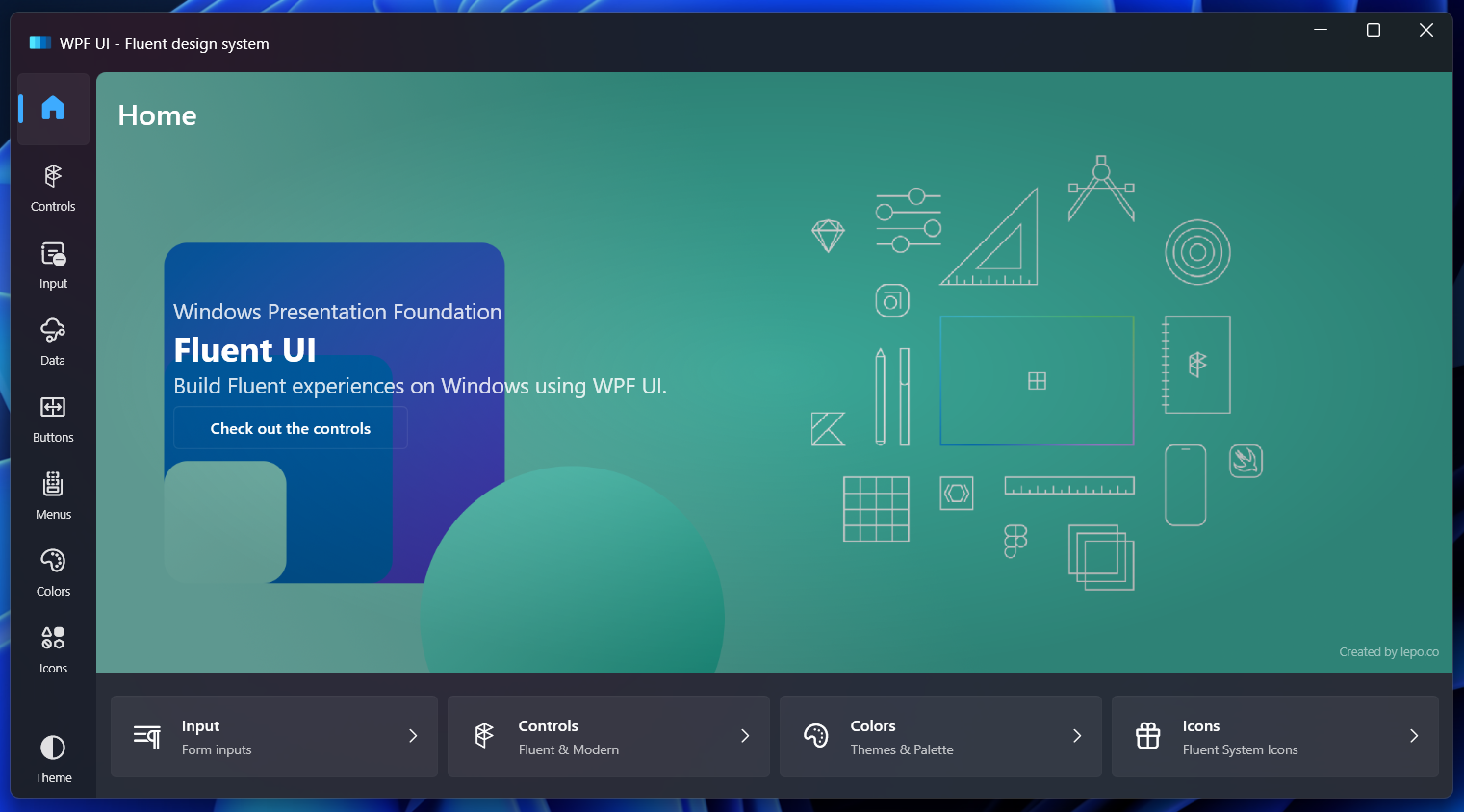
<div class="colorful"><img src="/images/wpfui-gallery.png" alt="WPF UI Store Window with Fluent UI" /></div>
|
|
</div>
|
|
<div class="col-12 col-lg-6 d-flex align-items-center">
|
|
<div class="spaced-page-separator">
|
|
<h1 class="display-1">WPF UI</h1>
|
|
<p>A simple way to make your application written in WPF keep up with modern design trends. Library changes
|
|
the base elements like Page, ToggleButton or List, and also includes additional controls like
|
|
Navigation, NumberBox, Dialog or Snackbar.</p><a class="btn btn-outline-primary mr-05"
|
|
href="/documentation/getting-started.html">Start tutorial</a><a class="btn btn-outline-light"
|
|
href="/documentation">Read the docs</a>
|
|
</div>
|
|
</div>
|
|
</div>
|
|
</div>
|
|
|
|
<div>
|
|
<div class="row">
|
|
<div class="col-12">
|
|
<div class="space">
|
|
<div class="card card-call-to-action p-2">
|
|
<div class="row">
|
|
<div class="col">
|
|
<h4>Check out the Gallery</h4>
|
|
<span>Check out all the controls and functionality with the help of the free <strong>WPF UI Gallery </strong> app.</span>
|
|
</div>
|
|
<div class="col-auto">
|
|
<a href="https://apps.microsoft.com/store/detail/wpf-ui/9N9LKV8R9VGM?cid=windows-lp-hero" target="_blank" rel="noopener" class="btn btn-ms-store">
|
|
<img class="btn-image" src="/images/ms-download.png" alt="Download from MS Store" />
|
|
</a>
|
|
</div>
|
|
</div>
|
|
</div>
|
|
</div>
|
|
</div>
|
|
</div>
|
|
</div>
|
|
|
|
<div>
|
|
<div class="row">
|
|
<div class="col-12 col-lg-8">
|
|
<div class="space">
|
|
<h2 class="display-4">Fluent UI in your favorite environment</h2>
|
|
</div>
|
|
</div>
|
|
<div class="col-12"></div>
|
|
<div class="col-12 col-lg-4 separator-bottom">
|
|
<div class="card">
|
|
<div class="card-body">
|
|
<img src="/images/github.svg" alt="GitHub Logo" />
|
|
<p><strong>Open source</strong></p>
|
|
<span
|
|
>WPF UI is free and open source. You can check the source code or
|
|
change it to your liking.</span
|
|
>
|
|
</div>
|
|
</div>
|
|
</div>
|
|
<div class="col-12 col-lg-4 separator-bottom">
|
|
<div class="card">
|
|
<div class="card-body">
|
|
<img src="/images/nuget.svg" alt="NuGet Logo" />
|
|
<p><strong>Easy to install</strong></p>
|
|
<span
|
|
>WPF UI is delivered via NuGet package manager. Just find it in
|
|
the search and add to your project.</span
|
|
>
|
|
</div>
|
|
</div>
|
|
</div>
|
|
<div class="col-12 col-lg-4 separator-bottom">
|
|
<div class="card">
|
|
<div class="card-body">
|
|
<img src="/images/vs22.svg" alt="Visual Studio 2022 Logo" />
|
|
<p><strong>Compatible</strong></p>
|
|
<span
|
|
>Most styles and controls work right away in Visual Studio
|
|
Designer.</span
|
|
>
|
|
</div>
|
|
</div>
|
|
</div>
|
|
</div>
|
|
</div>
|
|
|
|
<div class="row">
|
|
<div class="col-12 col-sm-6 col-lg-4 d-flex justify-content-center">
|
|
<div class="stats">
|
|
<strong id="wpfui-downloads" class="display-4">850K</strong>Downloads
|
|
</div>
|
|
</div>
|
|
<div class="col-12 col-sm-6 col-lg-4 d-flex justify-content-center">
|
|
<div class="stats">
|
|
<strong id="wpfui-stars" class="display-4">9K</strong>GitHub Stars
|
|
</div>
|
|
</div>
|
|
<div class="col-12 col-sm-6 col-lg-4 d-flex justify-content-center">
|
|
<div class="stats">
|
|
<strong id="wpfui-forks" class="display-4">900</strong>Forks
|
|
</div>
|
|
</div>
|
|
</div>
|
|
|
|
## Support
|
|
|
|
To ensure you receive the expert guidance you need, we offer a variety of support plans designed to meet the diverse needs of our community. Whether you are looking to modernize your WPF applications or need assistance with our other libraries, our tailored support solutions are here to help. From priority email support to 24/7 dedicated assistance, we provide flexible plans to suit your project requirements.
|
|
|
|
<div class="row">
|
|
<div class="col-12 col-sm-6 col-lg-6 d-flex justify-content-center">
|
|
<a class="btn btn-block btn-outline-primary mr-05" href="https://lepo.co/support">Take a look at the lepo.co support plans</a>
|
|
</div>
|
|
<div class="col-12 col-sm-6 col-lg-6 d-flex justify-content-center">
|
|
<a class="btn btn-block btn-outline-light" href="https://github.com/sponsors/pomianowski">Sponsor WPF UI on GitHub</a>
|
|
</div>
|
|
</div>
|
|
|
|
|
|
|
|

|
|
|
|
|
|
|
|
[Created with ❤ in Poland by lepo.co](https://lepo.co/)
|
|
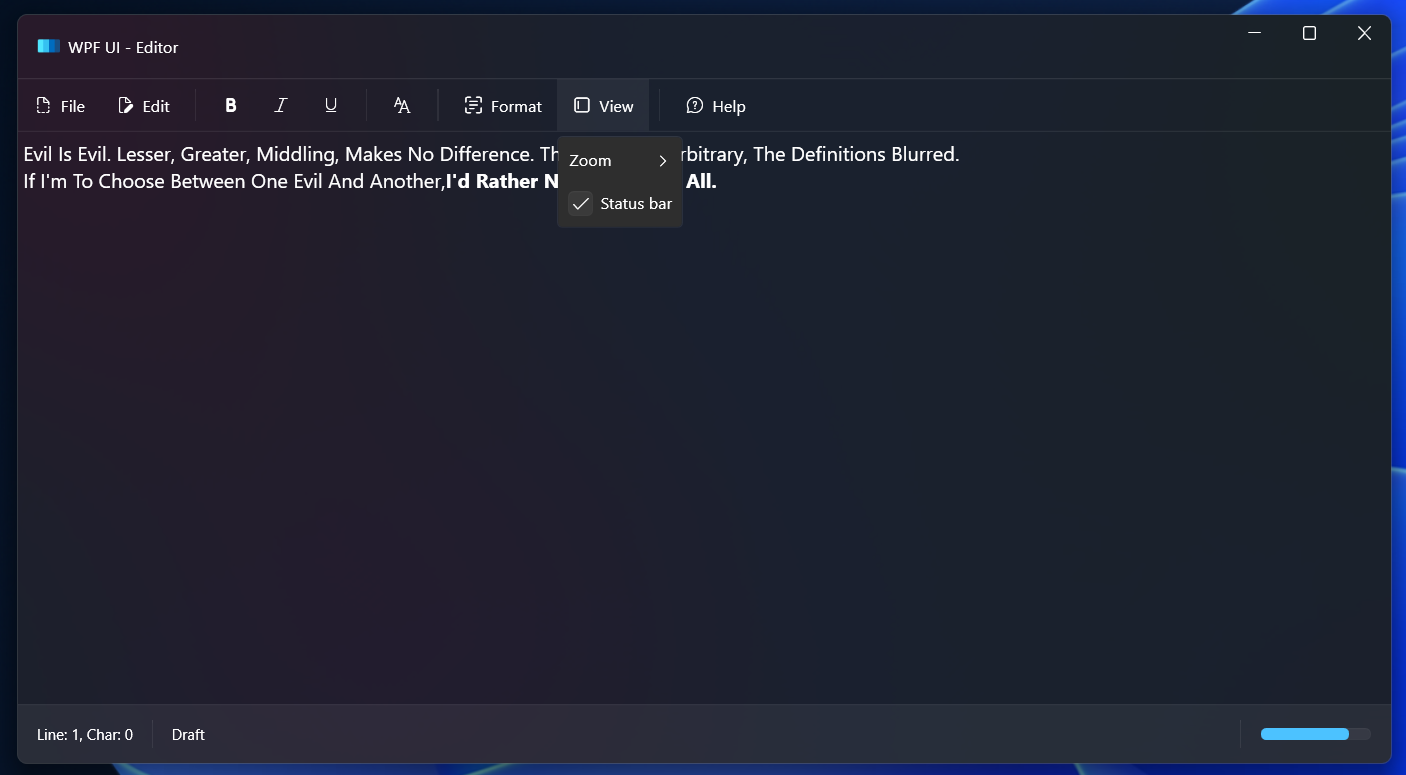
A simple way to make your application written in WPF keep up with modern design trends. Library changes the base elements like `Page`, `ToggleButton` or `List`, and also includes additional controls like `Navigation`, `NumberBox`, `Dialog` or `Snackbar`.
|
|
|
|
[](https://discord.gg/AR9ywDUwGq) [](https://github.com/lepoco/wpfui/blob/master/LICENSE) [](https://www.nuget.org/packages/WPF-UI/) [](https://www.nuget.org/packages/WPF-UI/)
|
|
|
|
[Getting Started](/documentation/getting-started.html)
|